Do You Know How to Reset Your Digital Window AC Unit in 6 Steps?
As an Amazon Associate, I earn from qualifying purchases. This post contains affiliate links. Which means I may earn a small commission when make a purchase through my links, at no additional cost to you.
Many people struggle with their digital window AC units not working properly when they need them the most. If you’ve ever faced a malfunction or glitch, you’re not alone. Resetting your AC can often solve these issues quickly and easily.
To reset your digital window AC, start by powering it off using the remote control and unplugging it from the wall.
Check your circuit breaker or fuse box and reset or replace any blown fuses.
Clear the filters and drain blockages to guarantee efficient operation.
Next, reset the control panel by turning off and unplugging the unit for a few minutes, or press the reset button if available.
Finally, perform a hard reset if needed.
Follow these steps, and you’ll find more helpful tips along the way.
Key Takeaways
- Turn off and unplug the unit to stay safe before resetting.
- Check the circuit breaker or replace blown fuses if needed.
- Clear any filters and drain blockages to improve airflow and drainage.
- Use the reset button or hold the reset switch for a few seconds to restart the control panel.
- For a hard reset, unplug the unit, hold the reset button, then plug it back in.
How to Power Off and Unplug Your Window AC Safely
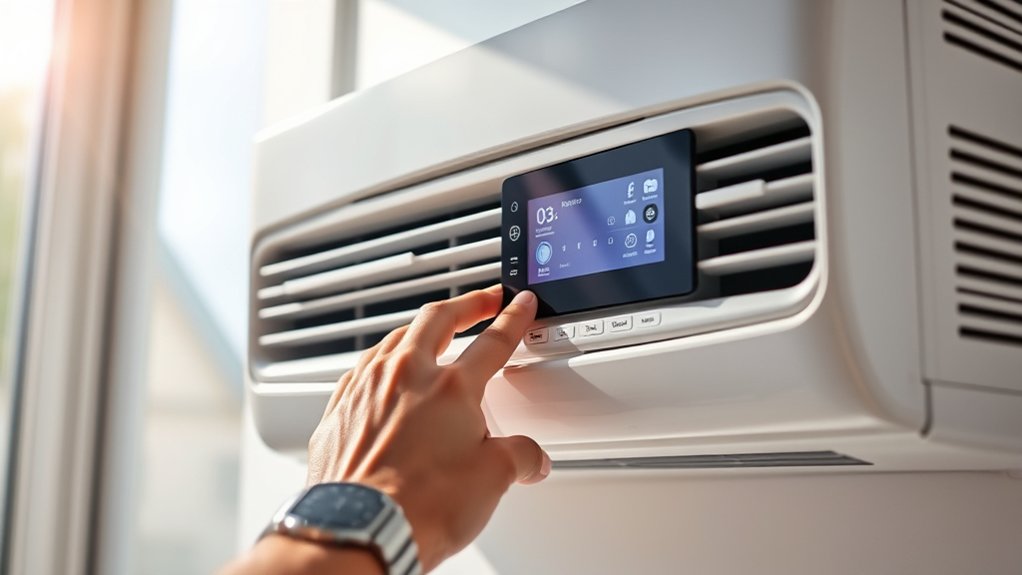
Before you start cleaning or resetting your window AC unit, it’s important to power it off properly. If your unit has remote operation, use the remote to turn it off instead of pressing buttons on the unit itself. This helps ensure the system powers down correctly and prevents potential damage.
Once it’s off, locate the power cord and unplug the AC from the wall socket. Doing so keeps you safe from electrical shocks and helps save energy, which is better for the environment.
Unplugging the unit also allows any residual power to drain. This can be especially helpful if you’re troubleshooting or resetting the system. Make sure the area around the plug is dry and free of debris before unplugging.
If you plan to leave the AC off for a while, unplugging it prevents phantom energy drain. This can reduce your electricity bill and support eco-friendly energy use. Always handle the plug and cord carefully to avoid damage.
How to Check and Reset Your Circuit Breaker or Fuse
If your window AC unit isn’t turning on or seems to be acting up, checking your circuit breaker or fuse box is an important step. First, make sure to turn off the main power before opening the panel for safety.
Look for a breaker that’s flipped to the “OFF” position or a fuse that looks blown or damaged. Resetting a circuit breaker is easy—just flip the switch back to “ON.” If you find a blown fuse, replace it with a new one of the same rating.
Handle fuses carefully to avoid injury or causing more electrical problems. After you reset the breaker or install a new fuse, turn the power back on and test your AC. Resetting the breaker or replacing the fuse can fix common electrical issues, but always follow safety rules to avoid hazards.
How to Clear Filters and Drain Blockages Before Resetting
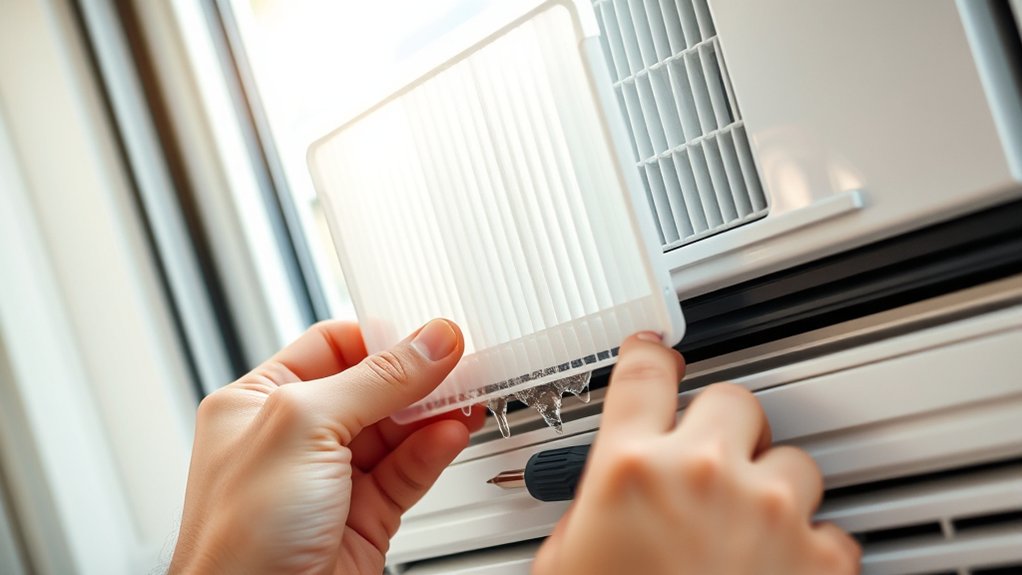
To guarantee your window AC unit works properly after resetting, start by clearing out any built-up filters and drain blockages first.
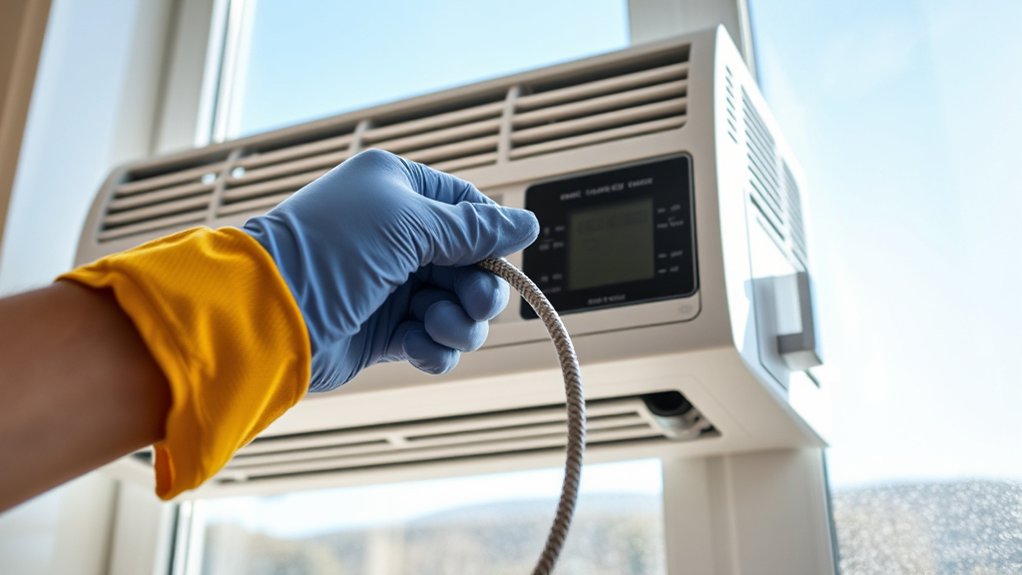
Begin with filter maintenance by removing the filters and washing them with mild soap and water. Make sure they’re completely dry before putting them back.
Dirty filters restrict airflow, which makes the unit work harder and reduces efficiency. Next, check for drain blockages. Locate the drain pan and drainage tube, then clear out any debris or mold buildup blocking water flow.
Use a soft brush or cloth to gently clean the drain opening. Proper drain clearance prevents overflow or water damage inside the unit.
Taking these steps ensures your AC runs smoothly and helps prevent issues after resetting. Regular filter maintenance and drain clearance also improve air quality, reduce energy use, and extend your unit’s lifespan.
Clear filters and drain blockages now so your reset process will be more effective.
How to Reset the Digital Control Panel on Your Window AC
After cleaning the filters and clearing drain blockages, resetting the digital control panel can fix lingering glitches and get your unit working properly again.
To do this, turn off the AC and unplug it for a few minutes. This allows the system to reset internally.
When you plug it back in, look for a reset button or a specific button combination on the control panel, often labeled “Reset” or “Power.”
Press and hold this button for several seconds. If your unit has a remote, you can use it to access the menu and check for firmware updates.
Updating the firmware can fix bugs causing display issues and often resolves control panel glitches without a full reset.
Once you’ve reset everything, the display should work correctly, and the unit should respond normally.
If problems continue, check your user manual or visit the manufacturer’s website for specific instructions for your model.
How to Perform a Hard Reset Using the Reset Button or Switch
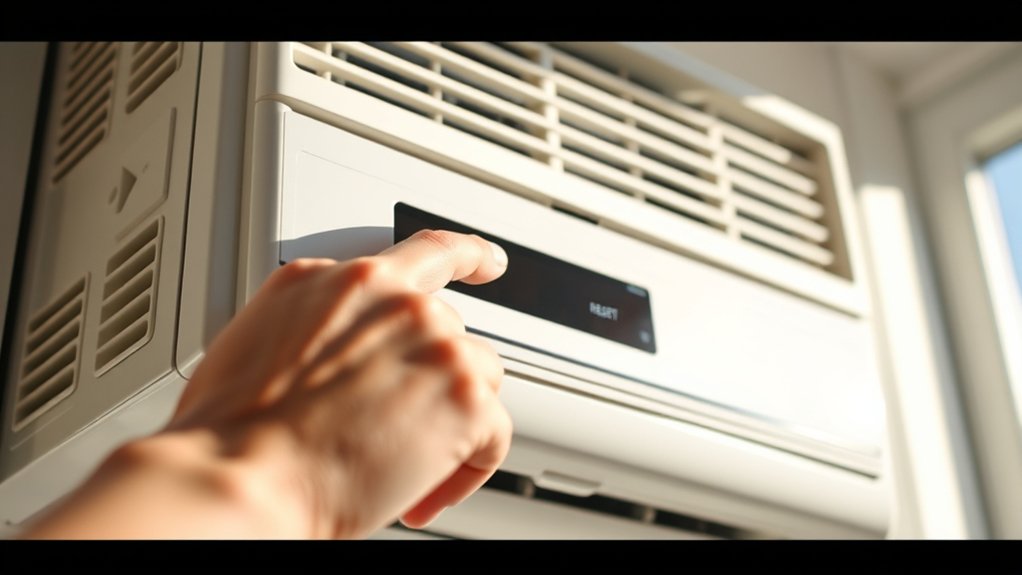
To do a hard reset, start by finding the reset button or switch on your device. You’ll usually find it near the control panel or close to the power cord. Once you’ve located it, press and hold the button or switch for a few seconds. That’s usually enough to reset the system properly.
Just a quick heads-up—it’s always a good idea to check the manufacturer’s instructions before you do this. Following their guidance helps prevent any damage or issues that might happen if you reset it the wrong way.
Locating Reset Mechanism
Locating the reset mechanism on your window AC unit is usually straightforward, but it can vary depending on the model. Some units hide the reset button in remote locations or behind panels, so you may need to check carefully.
If your unit recently received a software update, the reset button might be near the control panel or inside the access panel. To find it, look for a small, recessed button or switch labeled “Reset.”
Common spots include the back or side of the unit or near the power cord. Keep in mind, the reset switch’s location can differ; consult your user manual if needed.
Performing the Reset Properly
Once you’ve found the reset button or switch on your unit, performing the reset correctly is straightforward. Press and hold the button or switch for about five seconds until you hear a click or see the display reset.
This hard reset clears temporary glitches that might interfere with remote diagnostics or software updates. Make sure the unit is powered on before resetting.
After releasing the button, wait a few moments for the system to reboot fully. This process helps your AC run remote diagnostics and install any pending software updates, which can improve performance.
If issues persist, try resetting again or check the user manual for specific instructions. Properly executing the reset ensures your unit functions smoothly and stays up to date.
Final Tips to Ensure Your AC Works Properly After Reset
Sure! Here’s a more conversational version of your text:
—
First off, make sure your AC is plugged into a stable power source. You don’t want any sudden outages or fluctuations messing with it. Once that’s sorted, go ahead and turn it on, then check if it’s cooling properly. Just a quick test to see if everything’s working like it should. These simple steps can really help keep your unit running smoothly after you reset it.
Check Power Supply
Before you try to reset your window AC unit, make sure the power supply is stable and working properly. A reliable power connection can prevent reset issues and keep things safe.
Start by plugging in another device to see if the outlet works. Check your circuit breaker to see if it’s tripped, and reset it if needed.
Inspect the power cord to make sure it’s not damaged and is securely connected.
Confirm the outlet provides consistent voltage. Reset the circuit breaker if necessary and check the cord for any damage.
Taking these steps helps avoid electrical problems and ensures your AC gets proper power. Always prioritize safety before attempting to reset your unit.
Test Cooling Function
After resetting your unit, it’s important to test the cooling function to make sure everything works correctly. Turn the unit to cooling mode and set the temperature lower than the room temperature.
Listen for the compressor and fan to start, and check if cool air flows steadily. While testing, pay attention to the air quality—fresh, clean airflow means the filters are working well.
Ensuring proper cooling helps improve energy efficiency and prevents unnecessary power use. If the unit doesn’t cool properly or the air feels stale, double-check the filters and vents for blockages.
A properly functioning cooling system keeps your space comfortable and maintains good air quality. Checking these things can help prevent future problems and get the best performance from your AC.
This also saves energy and keeps your indoor air healthier.
Frequently Asked Questions
How Often Should I Reset My Digital Window AC Unit?
You should reset your digital window AC unit only when it’s necessary, like after power surges or troubleshooting issues. Usually, this is every few months.
Regular resets can help improve energy efficiency and keep your unit running smoothly. Just don’t reset it too often, as that might cause unnecessary wear.
Perform resets when you notice performance drops or error messages. This way, you ensure peak operation and extend the lifespan of your AC.
Can Resetting Fix All AC Performance Issues?
Picture your AC as a busy traffic light. Sometimes it needs a quick reset to clear jammed signals. Resetting can fix common issues like unresponsive controls or minor glitches, but it won’t solve all performance problems.
For remote troubleshooting and better energy efficiency, resetting is a good first step. But if issues keep happening, you might need to check filters, refrigerant levels, or call a professional.
Is It Safe to Reset My AC During a Storm?
It’s generally unsafe to reset your AC during a storm because of storm safety concerns. Lightning and power surges can cause electrical damage or pose shock risks.
To stay safe, avoid resetting your unit until the storm passes and power stabilizes. Follow reset precautions carefully—wait until it’s safe, and then verify your power supply is secure before turning your AC back on.
Your safety always comes first.
Will Resetting Erase My Ac’s Custom Settings?
Think of your AC like a treasured playlist. Resetting is like hitting refresh. When you power cycle your unit, it might temporarily unset remote settings, but your customized preferences usually return once it restarts.
Resetting typically doesn’t erase your saved settings, just like a playlist keeps your favorite songs. So, don’t worry—power cycling simply refreshes your AC, and your remote settings stay intact, ready to keep you cool.
What Should I Do if My AC Still Won’t Turn on After Reset?
If your AC still won’t turn on after resetting, start by checking the power source for electrical safety. Make sure the outlet is working and that the circuit breaker hasn’t tripped.
Sometimes, resetting too often can cause issues, so it’s a good idea to wait at least 24 hours before trying again.
If it still won’t turn on, check the user manual or consider contacting a professional for help. Remember, proper reset timing and electrical safety are key to troubleshooting effectively.
Conclusion
Once you’ve gently nudged your digital window AC back to life, picture it blooming like a well-tended garden in spring. With a little patience and care, you’ll watch it hum back to its full, invigorating glory, ready to cast a cool, calming shadow over your space.
Remember, a well-rested unit is like a peaceful oasis—calm, steady, and always ready to serve you with a gentle breeze.
By resetting your digital window AC, you’re ensuring it runs smoothly and efficiently. A simple reset can make all the difference in keeping your space cool and comfortable.